Control every yarn color
Reduce a photo to a palette you can source and tuft.
 RUGREADY
Tufting pattern maker for iPhone
Turn a reference photo into clean yarn-color regions, set the real dimensions, and trace the stencil at true size.
Free download with an included sample · No account · Photos stay on your iPhone
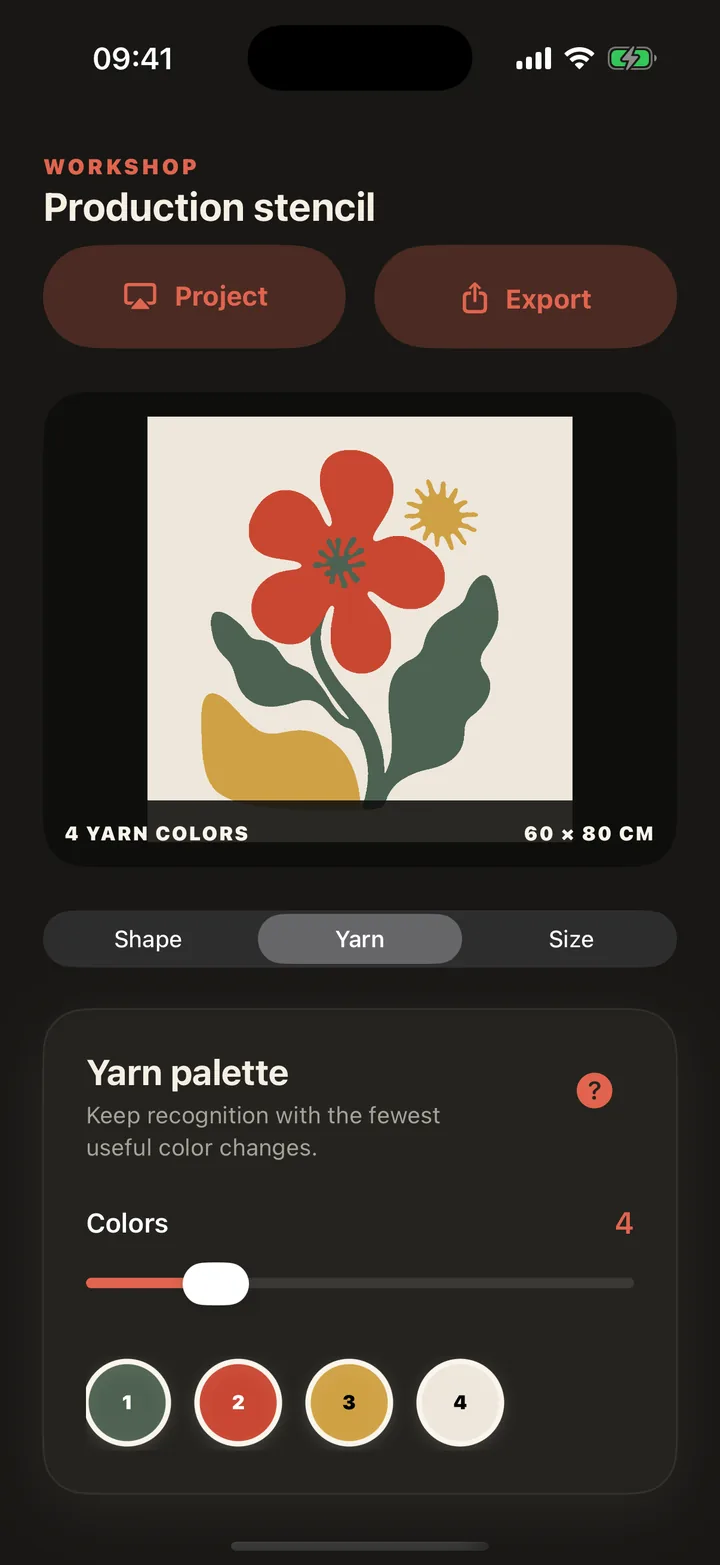
One clear workflow
RugReady keeps the steps of a tufting project together so you can focus on the frame.
Inside RugReady
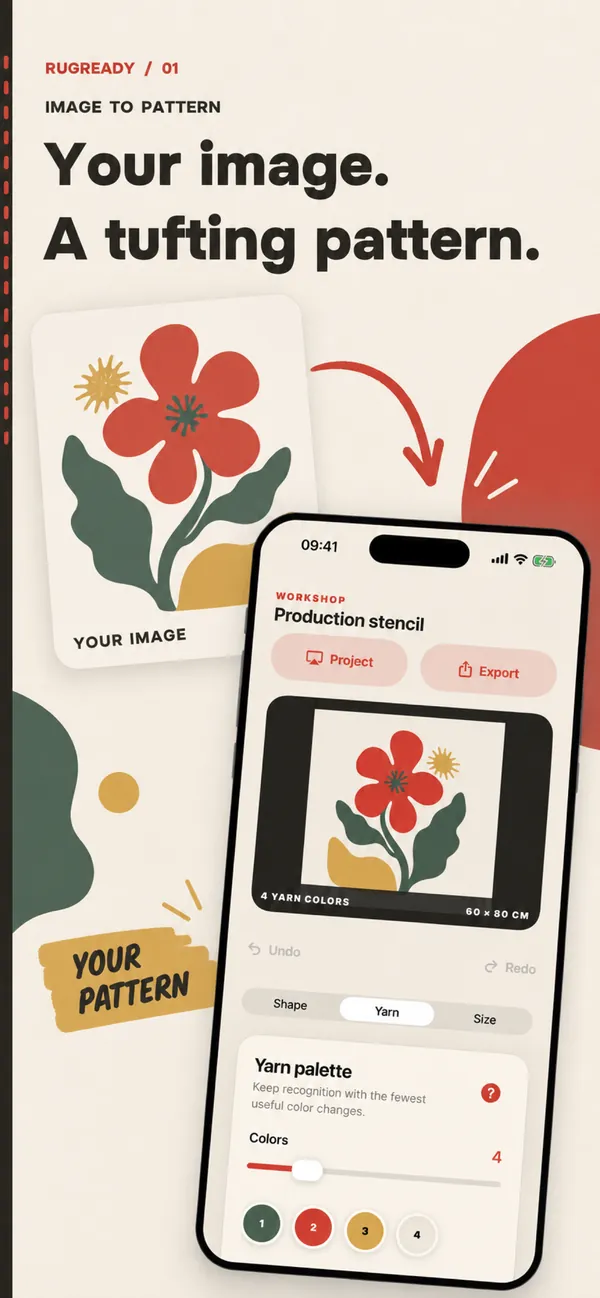
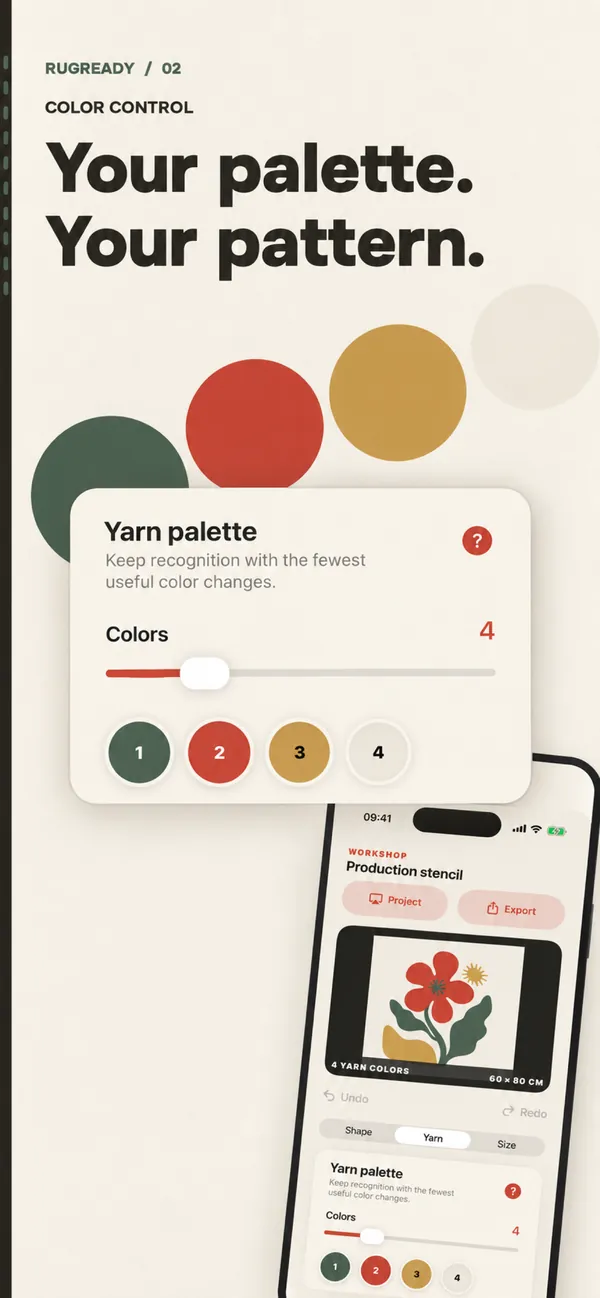
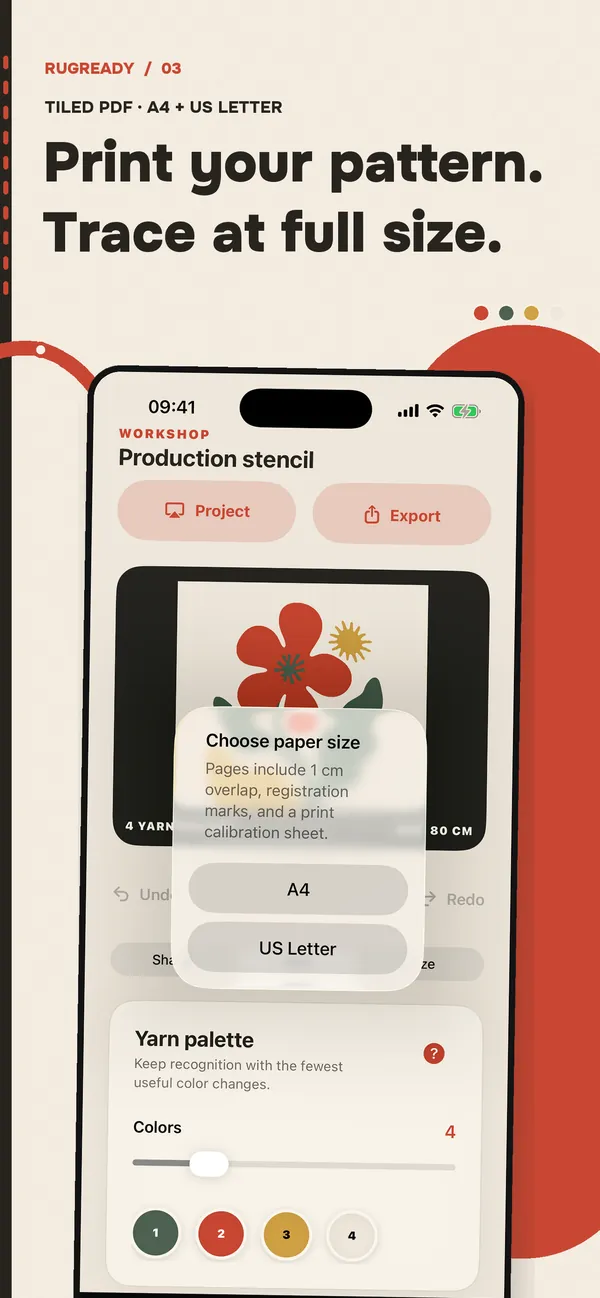
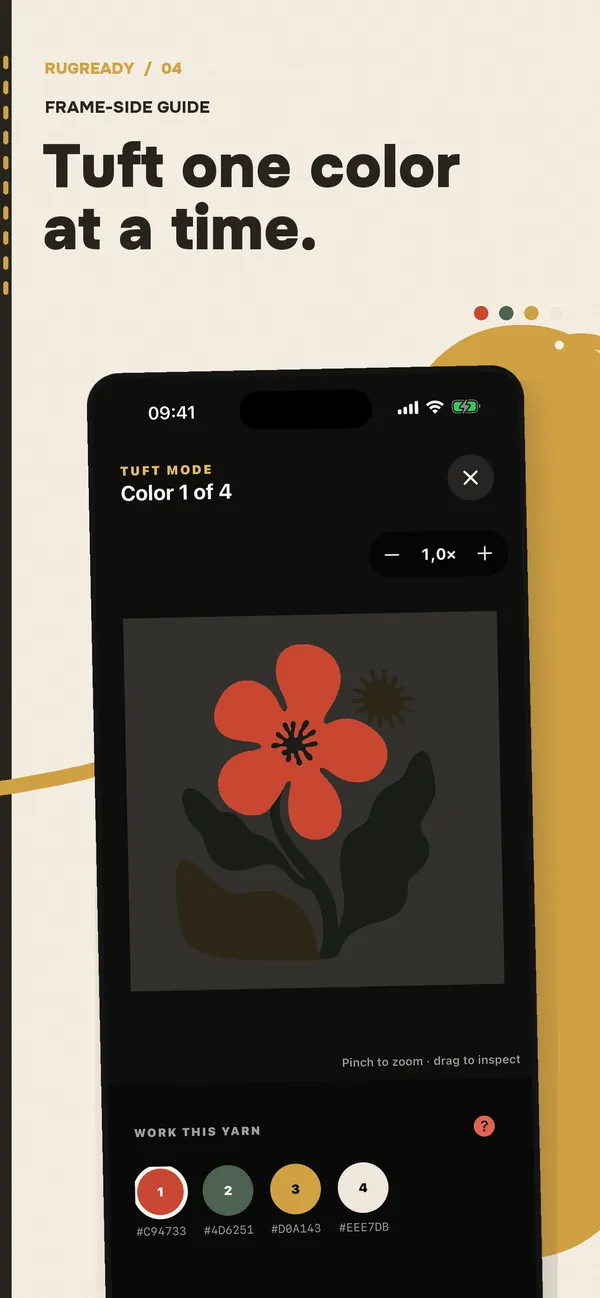
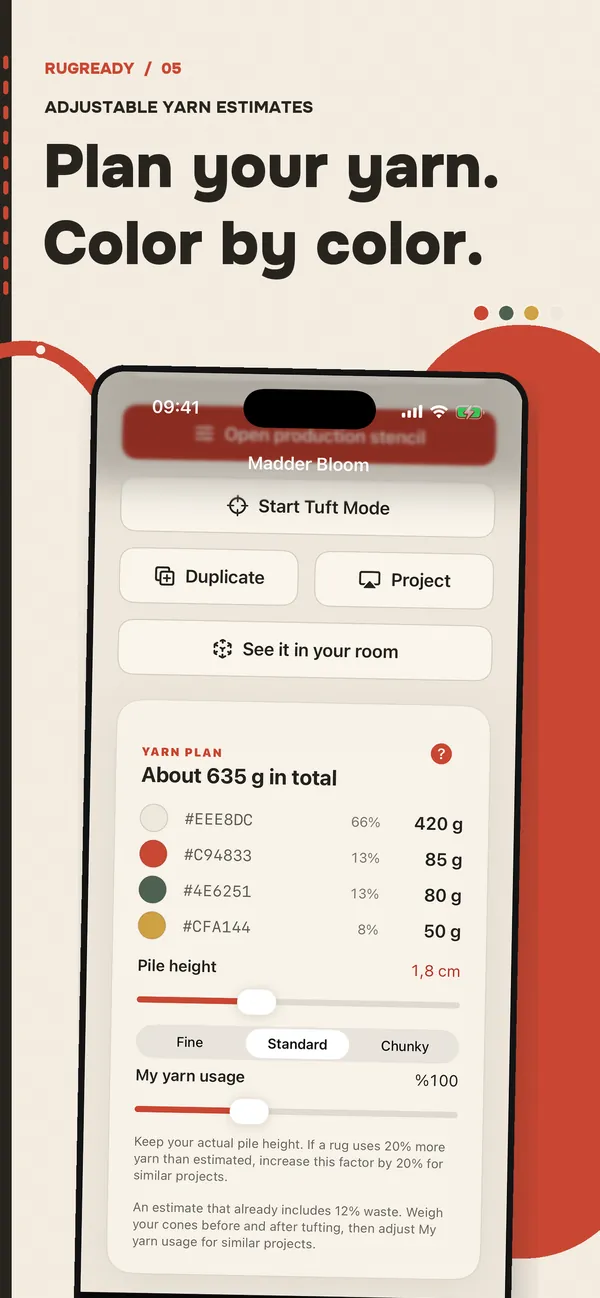
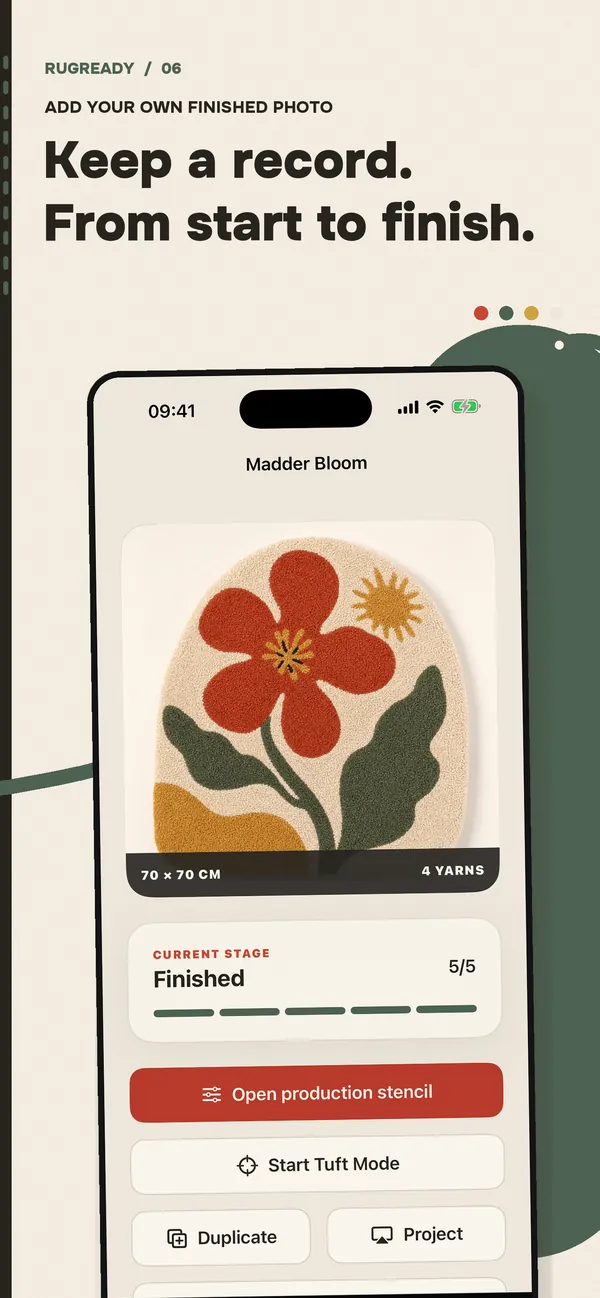
Built for actual tufting
Reduce a photo to a palette you can source and tuft.
Calibrate a projector or export registration-marked tiled pages.
Save dimensions, palette, progress, and the final rug locally on iPhone.
Estimate the yarn for each color, including a waste allowance. Fine-tune the estimate with your own yarn usage.
Place the rug on your own floor at true size and judge the dimensions before the hours go in.
Planning a rug right now? Get a quick total for its size and pile height.
Open the calculator →Practical tufting guides
A practical workflow for reducing a reference photo into traceable color regions.
Read the guide →Keep the character of an image while removing detail that fights the tufting gun.
Read the guide →Calibrate a projector and trace a design at the exact finished rug size.
Read the guide →Avoid finishing a rug backwards by choosing the correct tracing orientation.
Read the guide →Build a restrained palette that is easy to buy, separate, and tuft.
Read the guide → RugReady · FreeGet the app →